






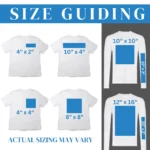


Description
Best Quality Heat Transfer – Iron On Heat Transfer – Your Logo – Image or Text
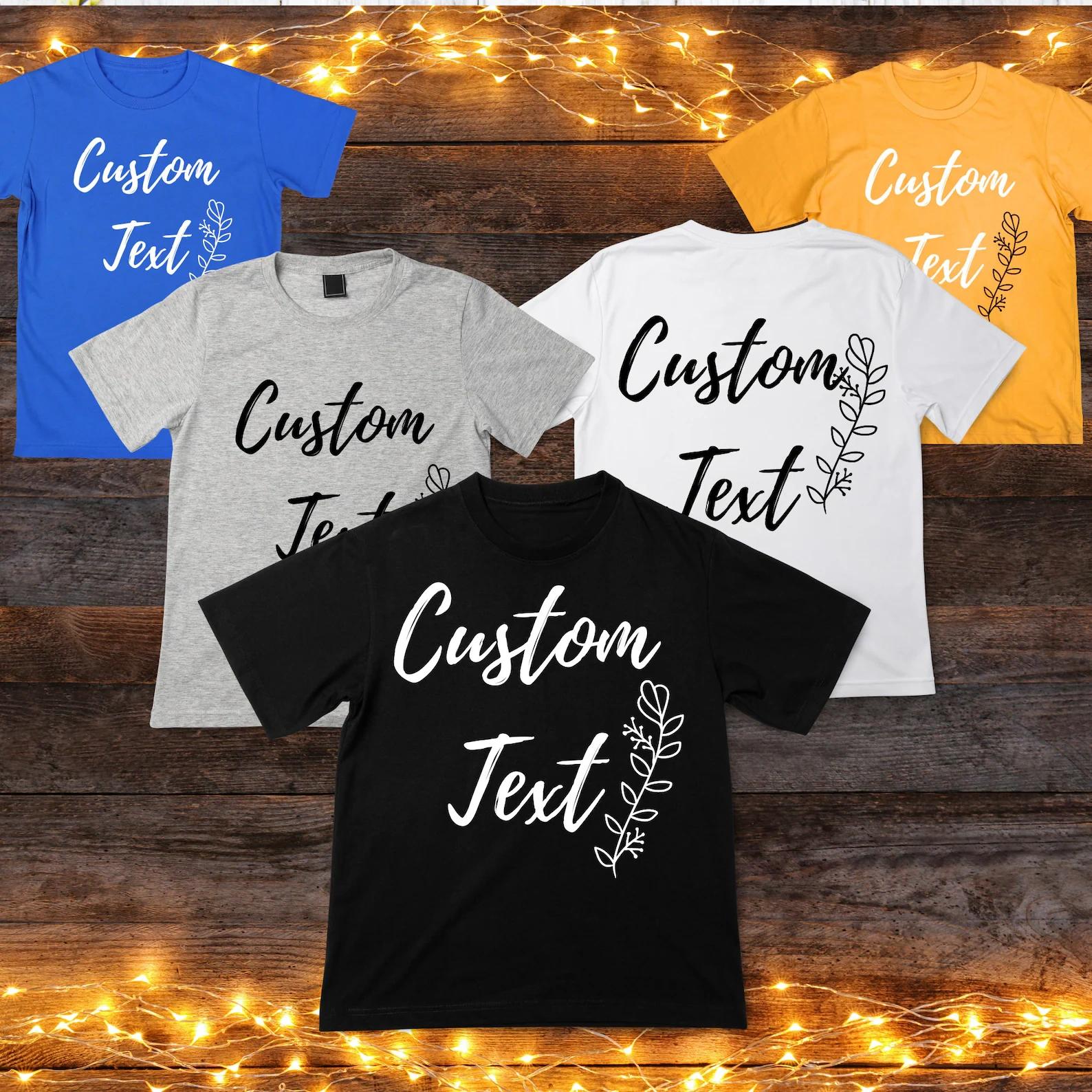
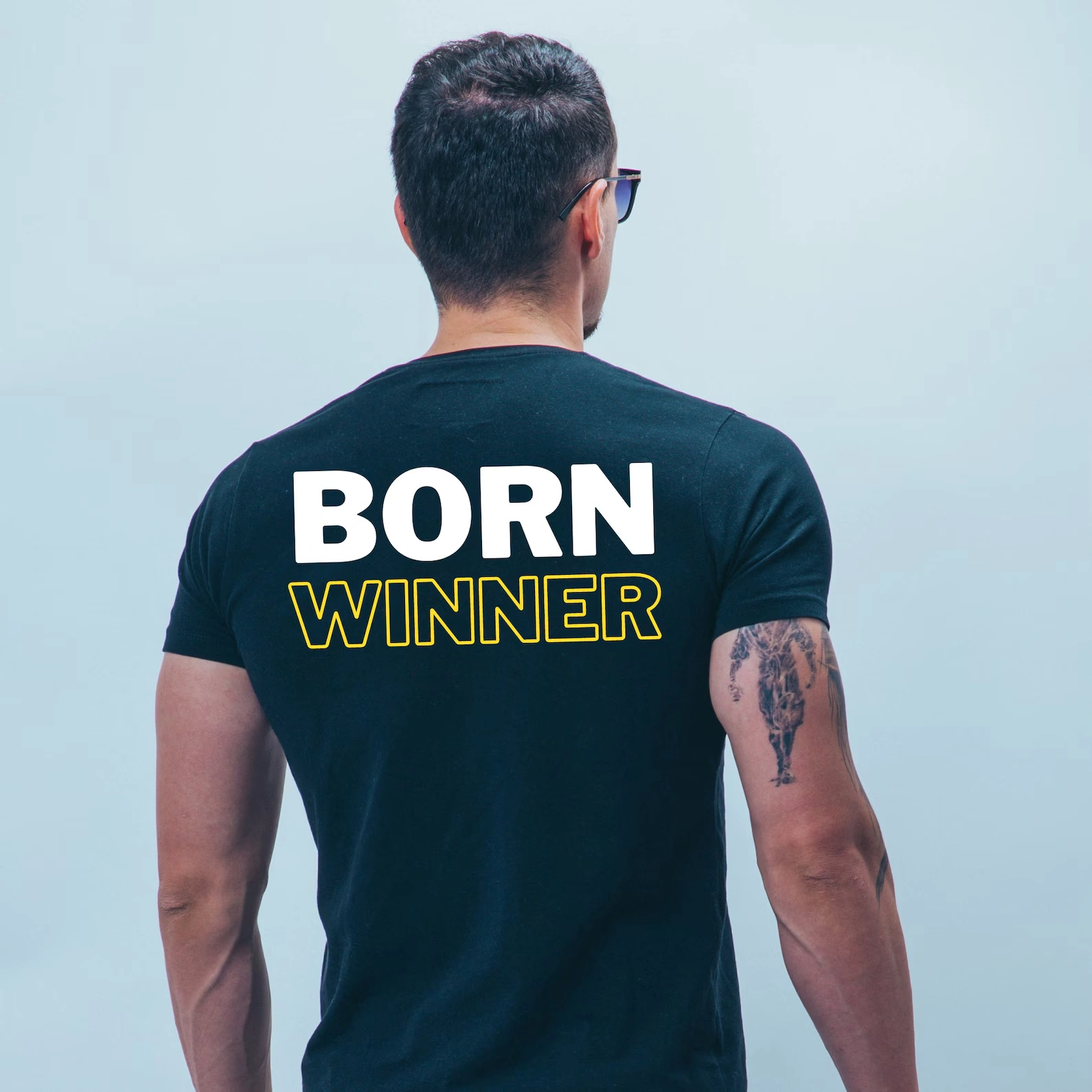
This listing Includes one single color iron on heat transfer vinyl. It can be your text or logo
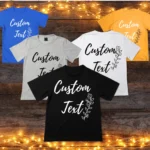
If it is a text you can add in the personalization box. If it is a logo or an image you can send us via ETSY messages or email us at gpnyinc[at]gmail.com.
Some complex designs might not be possible to do.
Don’t hesitate to message us with any questions, we will respond ASAP.
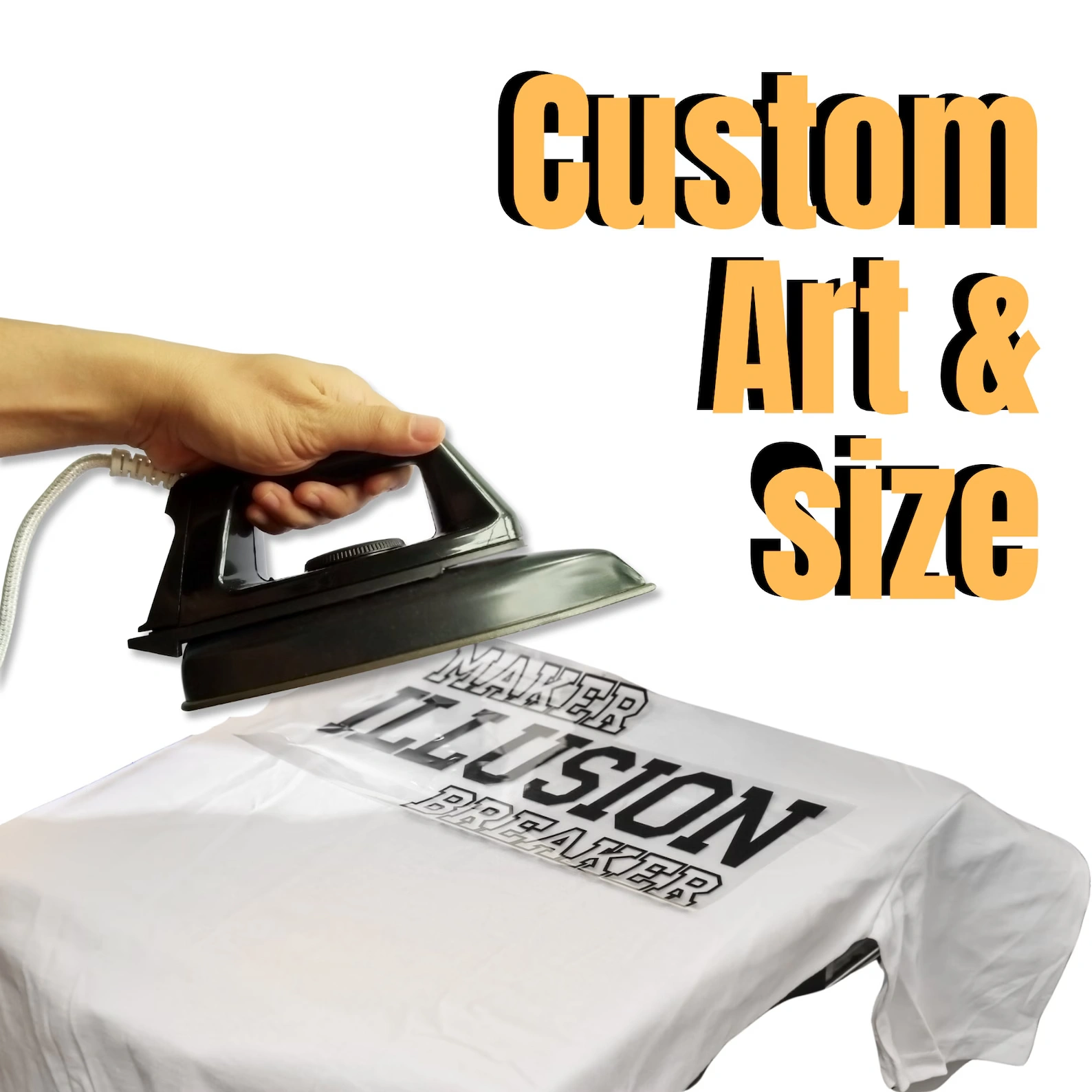
Instructions for Applying Heat Transfer (Using a Home Iron):
Remove any excess packaging vinyl that may be adhered to your heat transfer for protection during shipping.
Adjust the iron dial to a setting between cotton and linen.
(Optional) Cover the design with Kraft paper or a non-stick cover sheet.
Place the heat transfer on a flat, hard surface.
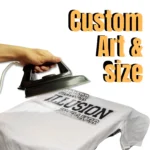
Apply firm pressure with the iron onto the heat transfer.
Press each section of the design for 15 seconds or longer if necessary.
Slowly peel off the clear carrier, ensuring that the fabric’s texture is visible through the vinyl.
In case any areas of the design lift after application, use a cover sheet and re-press for 5-10 seconds as needed.
Instructions for Heat Press Application:
- Preheat the garment for 2-3 seconds, then apply the design at 305°F / 150°C.
- Apply firm pressure for 15 seconds.
- Peel off the carrier, whether hot or cold. If any areas of the design are lifting, repress until the design has fully adhered to the garment.
- Easy weed Vinyl Applies to: 100% Cotton, Poly/Cotton Blends, 100% Polyester, Leather.
Care Guidelines:
Note: This product will not adhere properly if fabric softener has been applied to the fabric.
Washing Instructions:
- Wash on a cold cycle with the garment turned inside out.
Use a mild detergent; avoid using bleach.
Hang the garment to dry; do not machine dry.
